
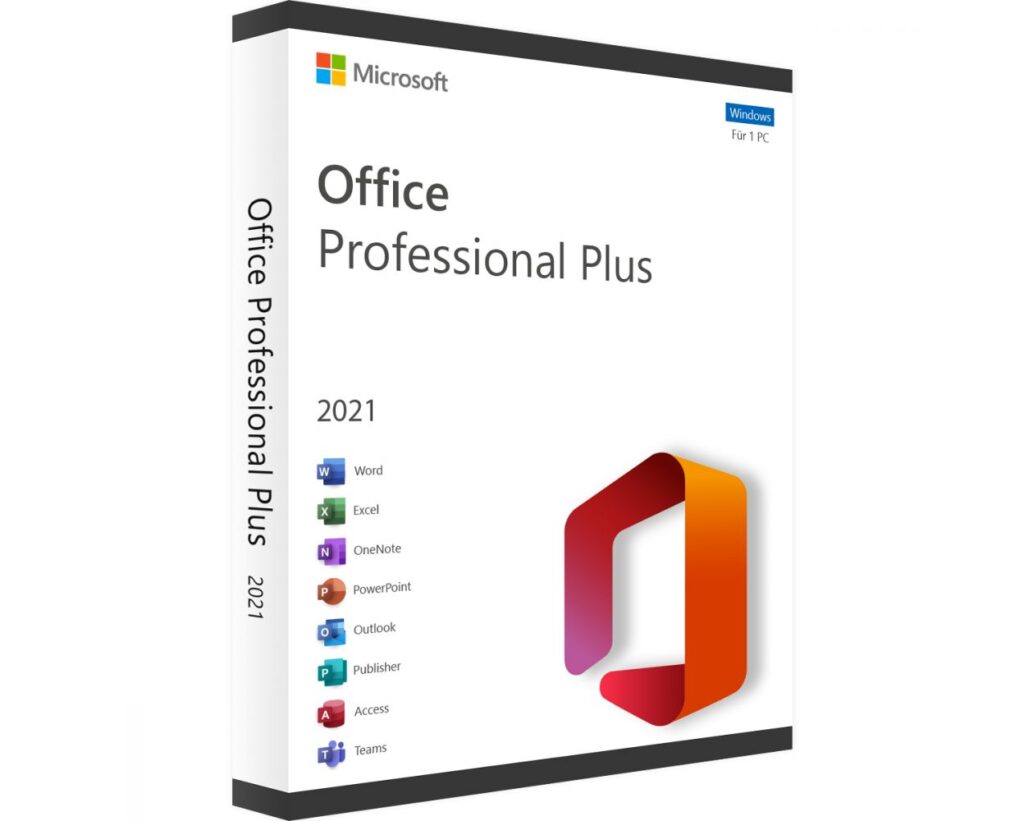
Microsoft 365 is a complete productivity suite that includes Word, Excel, PowerPoint, Outlook, Teams, and OneDrive. It is a subscription-based service that gives you access to all Microsoft Office apps plus 1TB cloud storage. You can use it on up to 5 devices simultaneously with one subscription.
Pricing: Personal Plan — $69.99 per year — 1 user — 5 devices Family Plan — $99.99 per year — up to 6 users Business Basic — $6.00 per user per month Business Standard — $12.50 per user per month Education Plan — Free for eligible students and teachers
Devloper's description
Microsoft 365 is designed by Microsoft Corporation — one of the world’s largest technology companies founded in 1975 by Bill Gates and Paul Allen. Headquartered in Redmond, Washington USA, Microsoft built Office 365 to help individuals, students, and businesses create, communicate, and collaborate more efficiently. Microsoft 365 uses cloud technology and artificial intelligence to provide a seamless experience across all your devices. With built-in security, automatic updates, and real-time collaboration features, Microsoft 365 is trusted by more than 1.5 billion users in over 100 countries worldwide.
Apps Included:
Microsoft Word — Document writing and editing Microsoft Excel — Spreadsheets and data analysis Microsoft PowerPoint — Presentations and slides Microsoft Outlook — Email and calendar Microsoft Teams — Video calls and chat Microsoft OneDrive — 1TB cloud storage Microsoft OneNote — Digital notes
System Requirements:
Processor: 1.6 GHz dual-core or faster RAM: 4 GB minimum Storage: 4 GB free disk space Internet: Required for installation and activation Screen Resolution: 1280 x 768 minimum
How to Download — Official Steps:
Step 1: Go to microsoft.com/microsoft-365 Step 2: Select your plan — Personal, Family or Business Step 3: Click Buy Now or Try Free for 1 Month Step 4: Sign in or create a Microsoft Account Step 5: Complete payment Step 6: Click Install Office and run the setup file Step 7: Sign in to activate your subscription
Download Link: https://www.microsoft.com/en-us/microsoft-365
Important Notice:
Always download Microsoft 365 from the official Microsoft website only. Avoid downloading from third-party or unofficial websites as they may contain malware or cracked versions which are illegal and unsafe. software95.com only recommends official and genuine software downloads.
BLOGSBuy on Amazon
Microsoft 365 is designed by Microsoft Corporation — one of the world’s largest technology companies founded in 1975 by Bill Gates and Paul Allen. Headquartered in Redmond, Washington USA, Microsoft built Office 365 to help individuals, students, and businesses create, communicate, and collaborate more efficiently. Microsoft 365 uses cloud technology and artificial intelligence to provide a seamless experience across all your devices. With built-in security, automatic updates, and real-time collaboration features, Microsoft 365 is trusted by more than 1.5 billion users in over 100 countries worldwide.
Apps Included:
Microsoft Word — Document writing and editing Microsoft Excel — Spreadsheets and data analysis Microsoft PowerPoint — Presentations and slides Microsoft Outlook — Email and calendar Microsoft Teams — Video calls and chat Microsoft OneDrive — 1TB cloud storage Microsoft OneNote — Digital notes
System Requirements:
Processor: 1.6 GHz dual-core or faster RAM: 4 GB minimum Storage: 4 GB free disk space Internet: Required for installation and activation Screen Resolution: 1280 x 768 minimum
How to Download — Official Steps:
Step 1: Go to microsoft.com/microsoft-365 Step 2: Select your plan — Personal, Family or Business Step 3: Click Buy Now or Try Free for 1 Month Step 4: Sign in or create a Microsoft Account Step 5: Complete payment Step 6: Click Install Office and run the setup file Step 7: Sign in to activate your subscription
Download Link: https://www.microsoft.com/en-us/microsoft-365
Important Notice:
Always download Microsoft 365 from the official Microsoft website only. Avoid downloading from third-party or unofficial websites as they may contain malware or cracked versions which are illegal and unsafe. software95.com only recommends official and genuine software downloads.